Free tournament management · FIDE 2026 ready. Open the app →

Information and formula
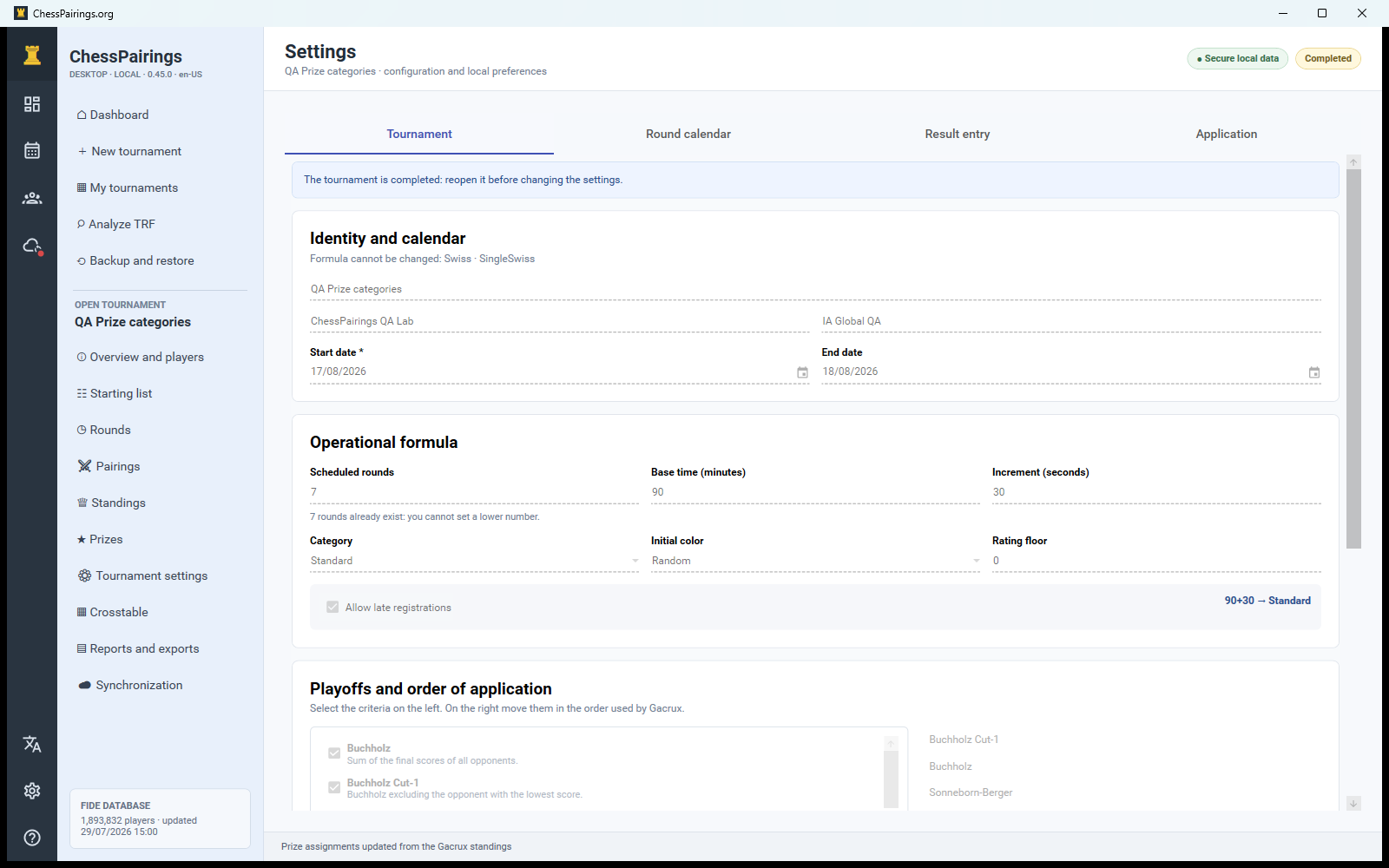
Enter a clear tournament name and venue. Choose Swiss for engine-generated pairings, Round Robin for Berger schedules, or Team when teams compete across several boards. Set the number of rounds explicitly; the app will not generate a round beyond this limit.
Time control
Enter the minutes and increment exactly as announced in the regulations. The cadence classification helps choose the relevant FIDE rating and appears in reports and synchronized public information.
Dates
Set the start date and, where useful, the scheduled date and time of each round. These values can be changed later in Tournament settings without changing already generated pairings.
Tiebreak order
Select a preset or build an ordered list. The first criterion is applied first, followed by the next only when players remain tied. The interface includes a short description for every available Gacrux criterion.
Final options
Review scoring, colour and pairing options, then create the tournament only on the final wizard page. After participants or rounds exist, changes to structural options can affect standings or pairing eligibility; create a backup before changing them.