Free tournament management · FIDE 2026 rules. Open app →

CHESSPAIRINGS DESKTOP
ChessPairings Desktop manual for chess tournaments
Practical guides, answers and diagnostic steps for running individual and team chess tournaments on Windows.
AVAILABLE ON MICROSOFT STORE

Run tournaments offline with ChessPairings Desktop
The official Windows app for arbiters and organisers who need a complete, reliable workspace even without an internet connection.
- Individual and team tournaments
- Swiss system and Round Robin
- bbpPairings and Gacrux
- PDF, HTML, CSV and TRF reports
- Local data and offline operation
- Optional protected synchronization
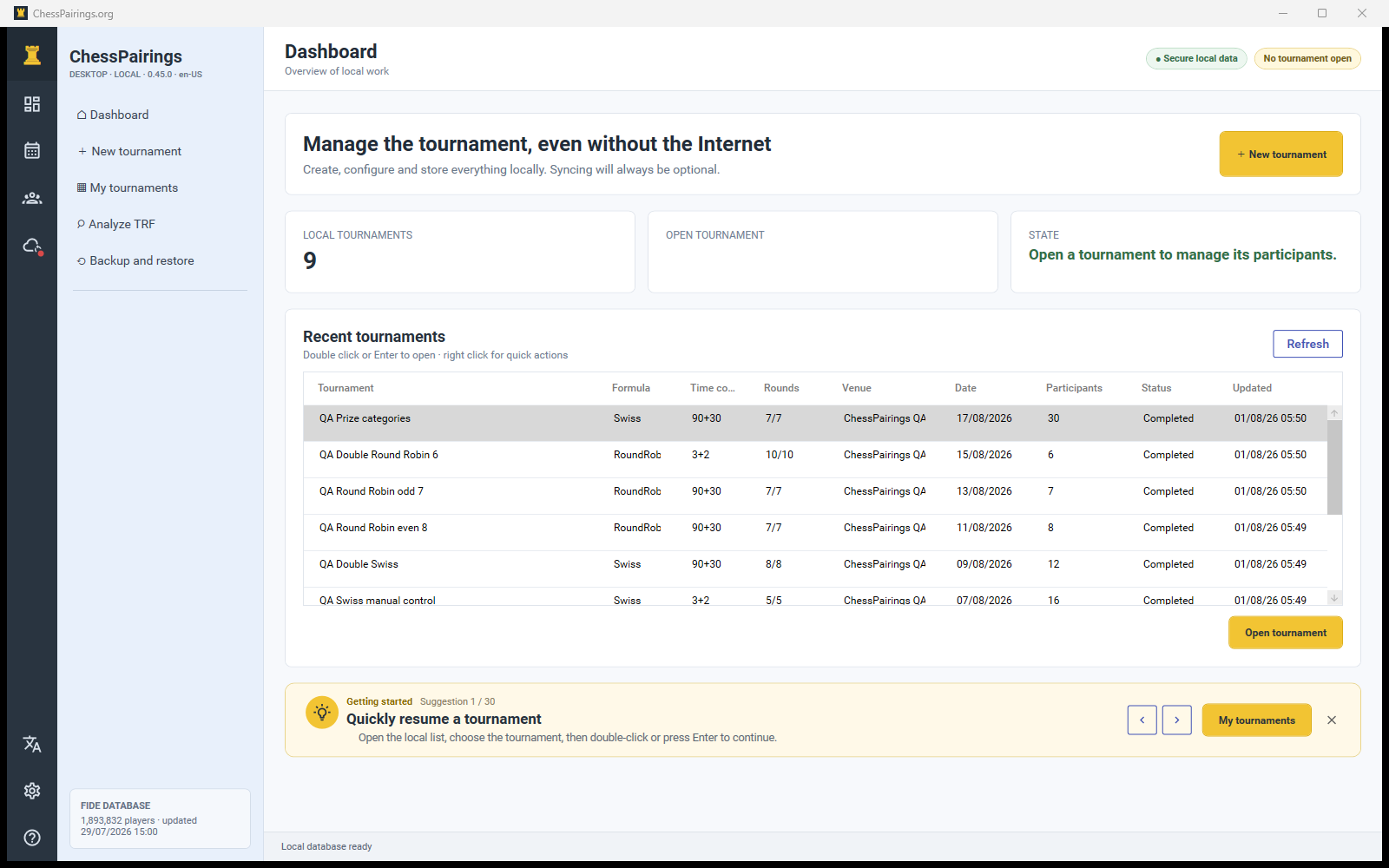
Tested before it reaches your tournament
The Desktop workflow has been exercised with generated test data, complete tournaments, reports and production synchronization.
16complete tournaments
1,154individual games + team boards
30,000TRF files checked
125 / 252PDFs / pages
83automated tests passed
0 / 0Release errors / warnings
Individual and team synchronization verified in production · Desktop 0.45.0 · QA 1 August 2026
GUIDED HELP
Find the right answer
Choose what you are trying to do. The assistant follows fixed rules and recommends the most relevant article.
Browse the documentation
Guides
Install and update ChessPairings Desktop
Install the Microsoft Store package, understand automatic updates and confirm the installed version.
Read article →Dashboard, navigation and quick actions
Learn what the dashboard shows, how to open tournaments and where status, language and account indicators appear.
Read article →Configure the tournament wizard correctly
Choose the formula, time control, schedule, tiebreak order and operational options before creating a tournament.
Read article →Add players and use the FIDE archive
Update the official archive, search multiple matches, paste FIDE IDs and add players without a FIDE ID.
Read article →Plan byes, absences, withdrawals and player availability
Record a full-point or half-point bye, a zero-point absence or a withdrawal before generating future rounds.
Read article →Generate rounds and control pairings
Use bbpPairings, understand the pre-pairing checklist and switch safely to manual pairings when required.
Read article →Enter results, use keyboard shortcuts and read standings
Save board results quickly, distinguish forfeits and byes, filter incomplete boards and verify the standings.
Read article →Configure tiebreaks and assign prizes
Order Gacrux tiebreak criteria, understand when values become meaningful and allocate general or category prizes.
Read article →Create PDF, HTML, CSV and TRF reports
Choose a report, preview the available data and export print-ready or machine-readable tournament files.
Read article →Link your account and synchronize tournaments
Connect the Windows app securely, transfer tournaments in both directions and understand public-page updates and conflicts.
Read article →Analyze a TRF file and clone a tournament
Inspect players, rounds, results, scoring and anomalies in a TRF file, then recreate an editable local tournament.
Read article →Back up and restore local tournament data
Create recoverable snapshots before risky changes, inspect backup history and restore without overwriting data accidentally.
Read article →Create teams, rosters, roles and line-ups
Add teams efficiently, inspect every roster member, edit roles and availability, and submit a legal board order.
Read article →Pair team rounds and enter board results
Generate or edit team matches, handle team byes, validate line-ups and calculate match and game points.
Read article →FAQ
Frequently asked questions about ChessPairings Desktop
Short answers about offline work, engines, local data, FIDE records, synchronization, updates and public results.
Read article →Troubleshooting
First checks when something does not work
A safe diagnostic order that preserves data before you retry, restore, synchronize or report a problem.
Read article →A round cannot be generated or confirmed
Resolve incomplete results, missing players, duplicate assignments, bye conflicts and engine validation errors.
Read article →Account linking or synchronization does not complete
Diagnose expired device codes, missing tournament data, queued offline changes, private pages and synchronization conflicts.
Read article →Guided paths
Create your first tournament from start to finish
A guided path from the FIDE archive and tournament wizard to the first round, results and final reports.
Read article →Run a team tournament from rosters to final standings
Configure boards and scoring, create teams, build rosters, submit line-ups, pair rounds and enter board results.
Read article →