Free tournament management · FIDE 2026 ready. Open the app →

Before generating the round
Check that every active team has enough available players and a valid line-up. Resolve forbidden team pairings and planned team absences. The configured board count determines how many board games each ordinary match requires.
Generate or pair manually
Use automatic generation for Swiss or the configured Round Robin schedule. Manual team pairings remain available for exceptional arbiter decisions. Assign every active team once; with an odd field one team receives the team bye.
Enter board results
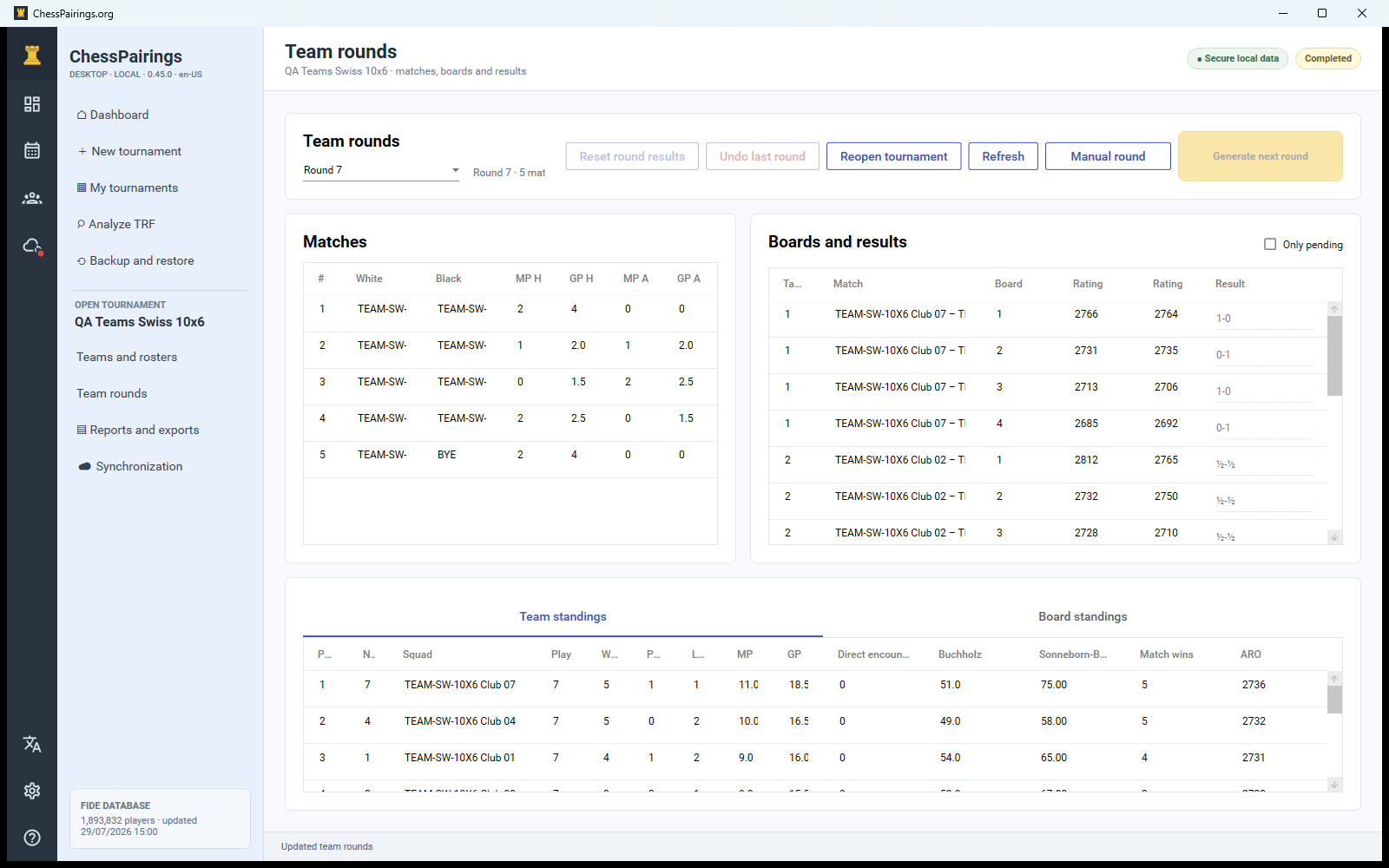
Open a team match and record each board result. The app totals game points and derives match points from the saved scoring rules. Forfeits must be selected explicitly so reports and TRF records preserve the correct outcome type.
Complete the round
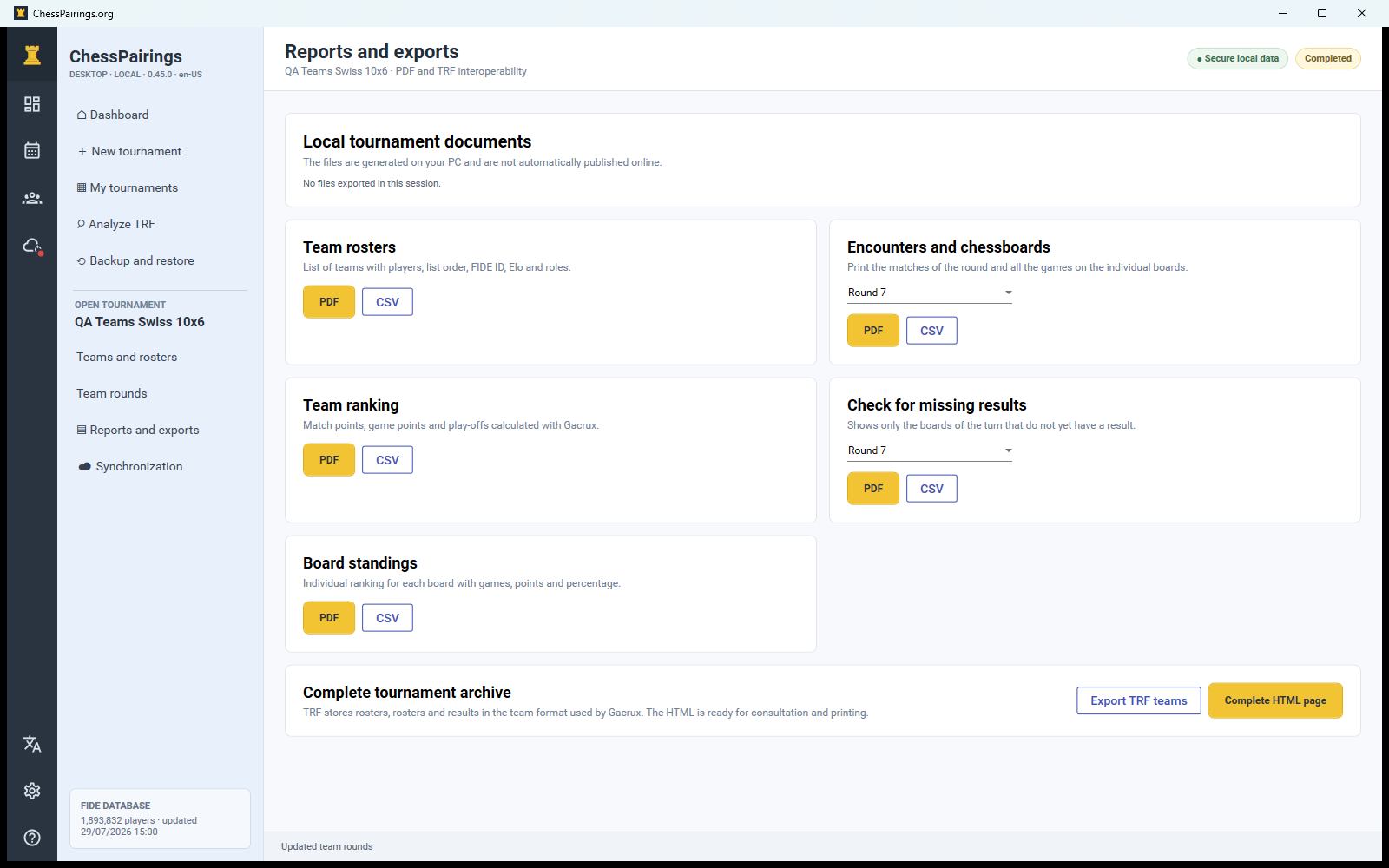
Use the missing-results report to find incomplete boards. The next team round is enabled only after every required match is complete. A team bye is treated as a completed match according to its configured score.
Review team standings
Team standings display match points, game points and configured Gacrux team tiebreaks. Board standings use individual board results. Inspect both before publishing final reports.