Free tournament management · FIDE 2026 ready. Open the app →

Open the analyzer
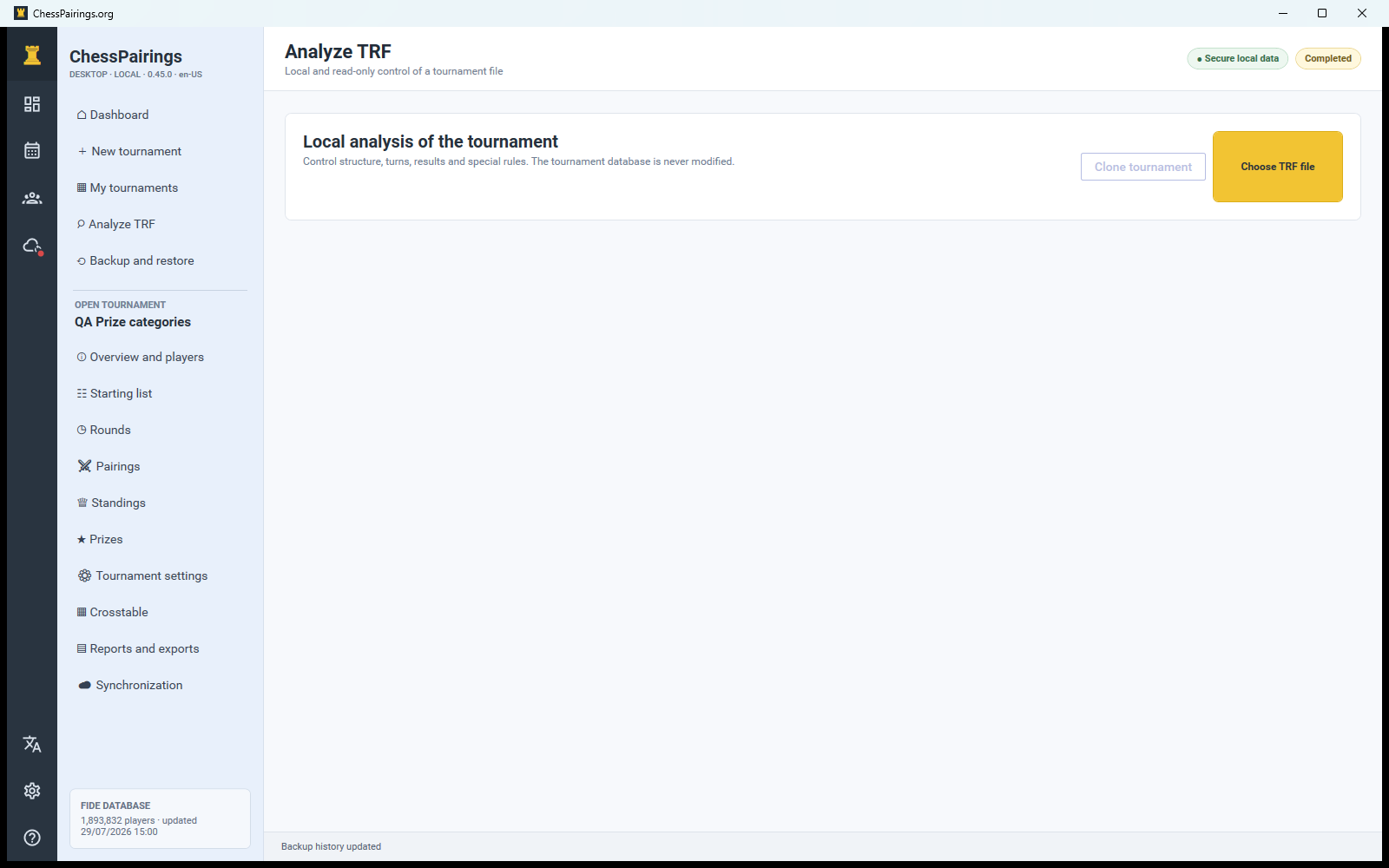
Choose Analyze TRF from the global navigation and select a .trf file. Analysis is read-only: it does not add a tournament, player or result to the local database.
What the analyzer checks
The summary reports file validity, player count, detected rounds, scoring system, byes, forfeits, missing records and special declarations. Use the round and player views to inspect the actual pairings and results represented by the file.
Clone as a local tournament
If the file is valid, choose the clone or recreate action. Review the proposed name, formula, rounds and scoring before saving. The new tournament receives independent local records and can then be opened, edited, reported or synchronized.
Limits of reconstruction
TRF contains tournament facts, but it may not contain every original operational setting, scheduled time, custom prize rule or local note. Review Tournament settings after cloning. Imported names and ratings reflect the file and are not silently overwritten by the current FIDE archive.
Validate exported files
After exporting your own tournament, open the TRF analyzer and compare counts, rounds and special results. This catches incomplete or unexpected data before the file is sent elsewhere.