Free tournament management · FIDE 2026 ready. Open the app →

Generate the first round
Open Pairings and select Generate first round. For Swiss events the app prepares a TRF snapshot, calls the bundled bbpPairings engine and displays a checklist before anything is committed. Round Robin events use the native Berger schedule.
Read the checklist
The checklist shows score, colour history and preference, bye eligibility, float information, proposed opponent and previous opponents. It is a review screen, not a list of players receiving a bye. Continue to inspect the proposed boards.
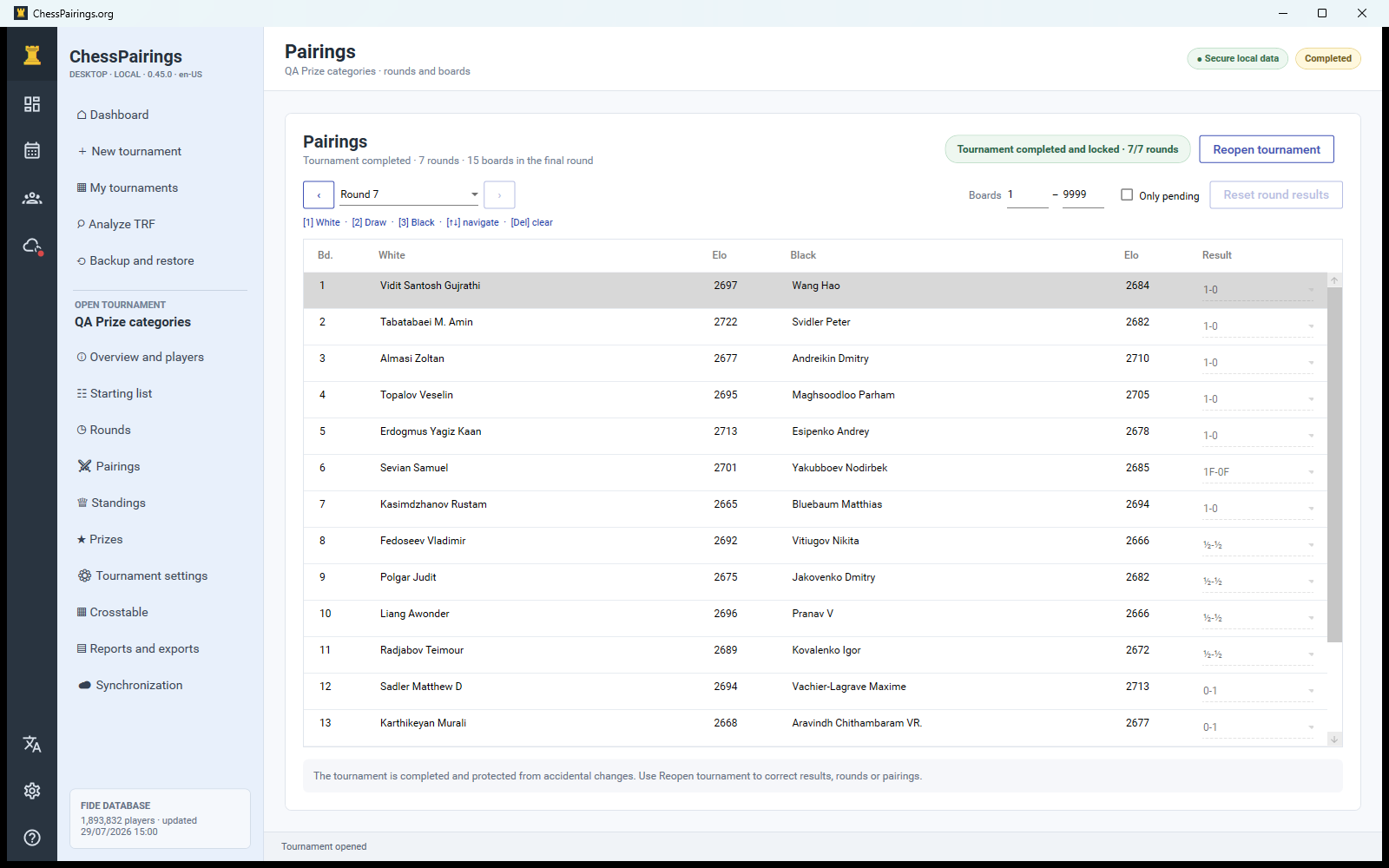
Review the boards
The board review lets you swap colours and adjust board order. Each active player must appear exactly once. With an odd player count, one row has no black player and represents the pairing bye.
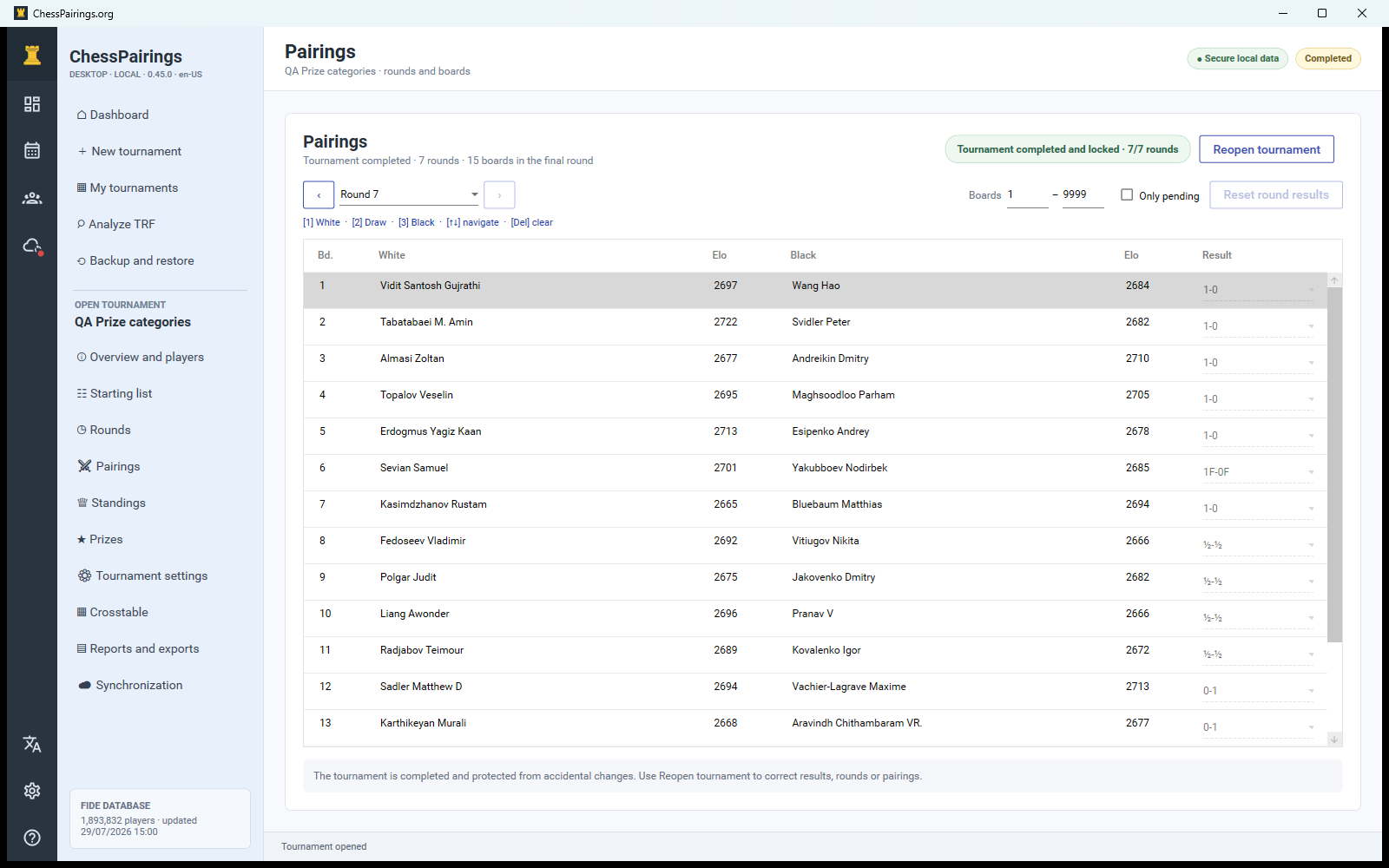
Generate the next round
Every non-bye board in the current round must have a result. When the round is complete, Generate round N becomes available. The engine uses all saved results, byes, colour history and restrictions.
Manual pairings
Choose the manual-round action when regulations or an exceptional arbiter decision require it. Assign every active player once, leave the black side empty only for the bye, and use the swap control to reverse colours. Duplicate, missing and repeated-opponent checks run before saving.