Free tournament management · FIDE 2026 ready. Open the app →

Enter a board result
Use the result menu at the right of each board. Standard choices include 1–0, draw and 0–1, with separate entries for forfeits and other supported outcomes. A pairing bye is already filled and cannot be edited as a normal game.
Work from the keyboard
The shortcut line above the boards shows the current keys for White win, draw, Black win, navigation and clear. Configure the keys in Settings. After saving a result, move to the next board with the arrow keys for rapid entry.
Show only incomplete boards
Enable Only incomplete to hide completed games. This is useful during a live round and makes missing results visible before the next pairing is generated.
Correct a result
Select the correct outcome from the same menu. Standings, crosstable and synchronized public data are recalculated from the saved result. If a later round has already been generated, cancel dependent rounds before changing an earlier result.
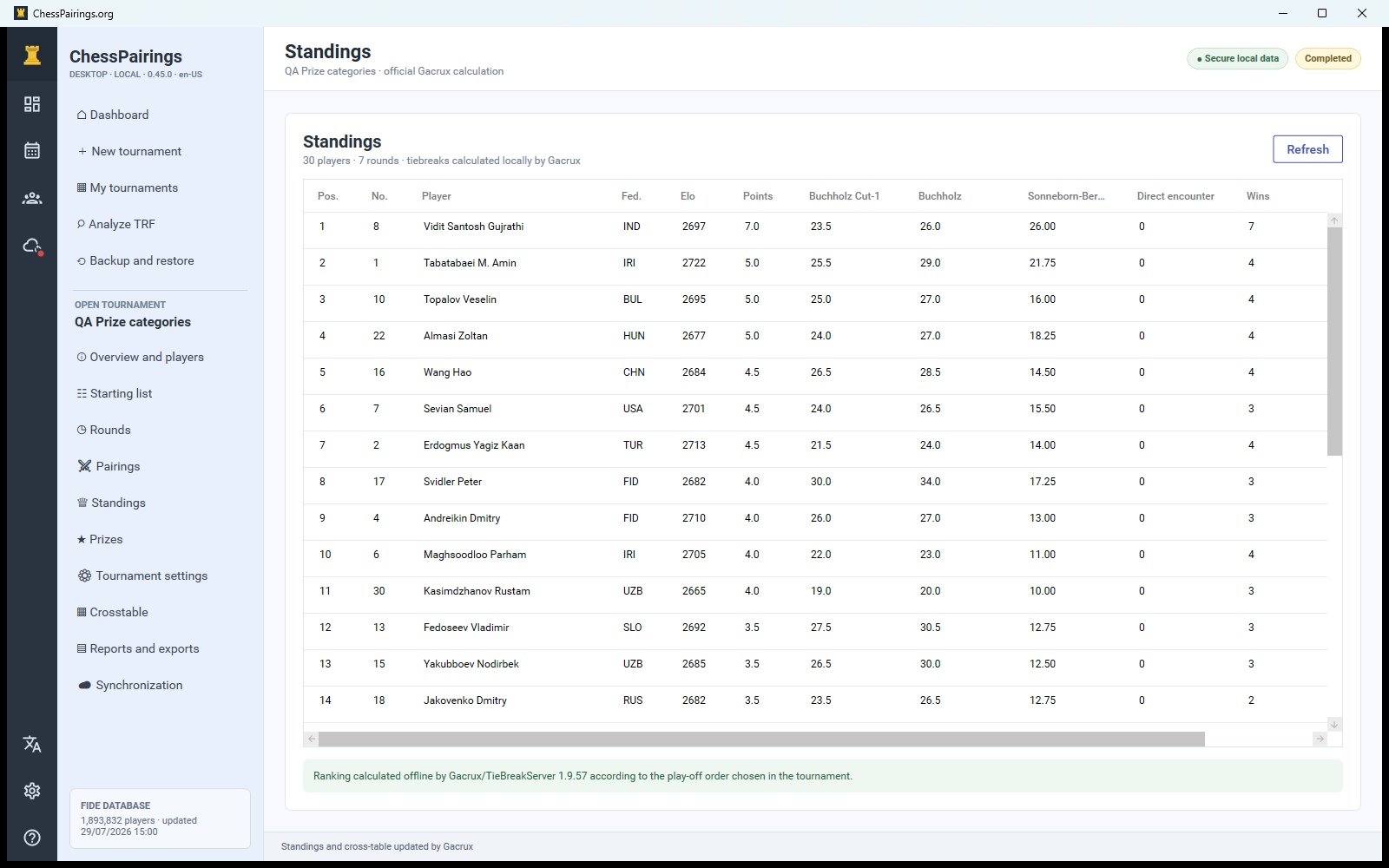
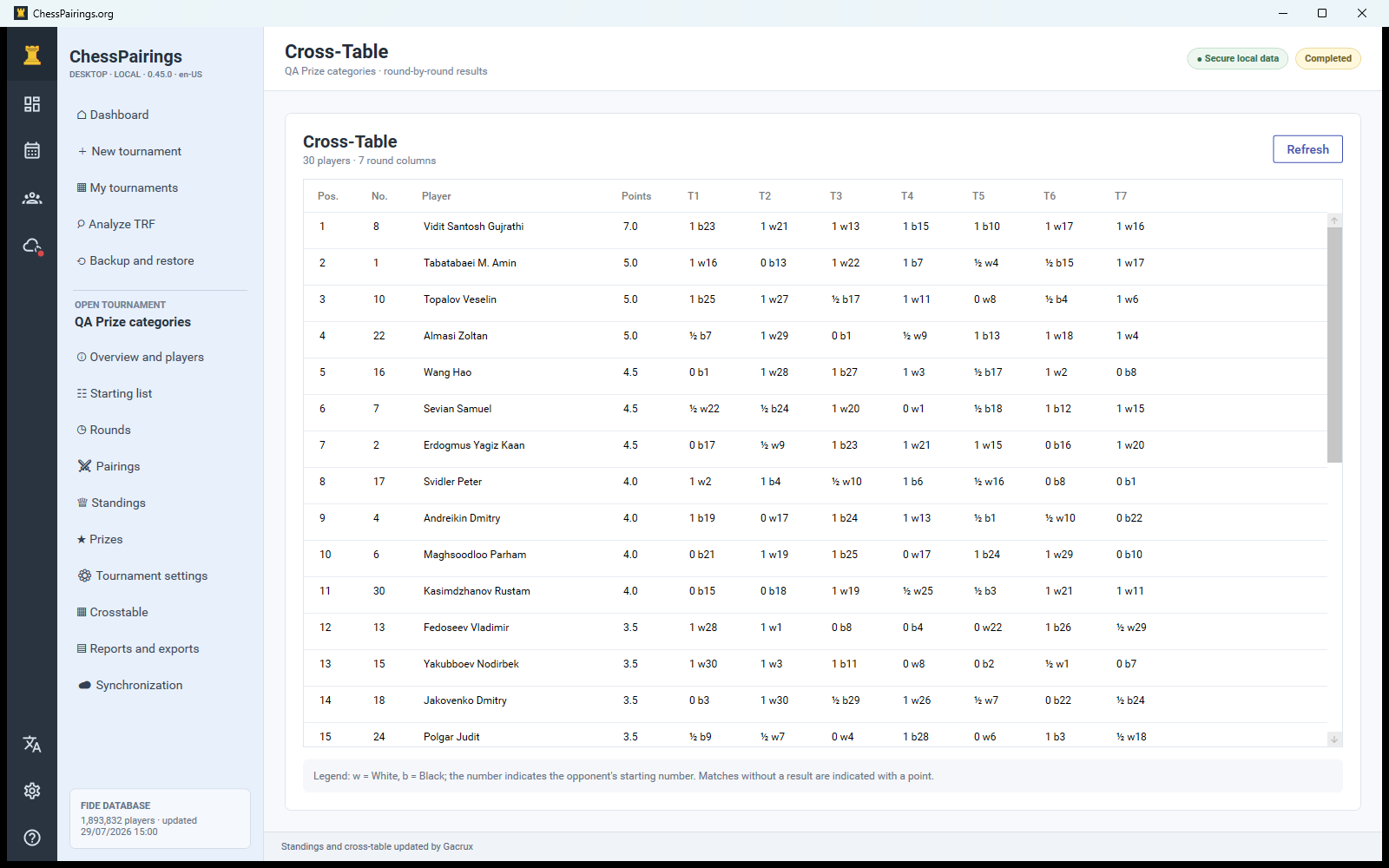
Read standings and crosstable
Standings show score and the configured Gacrux tiebreak columns. The crosstable presents each opponent, colour and result by round. Refresh after operational changes such as a corrected forfeit or bye.