Free tournament management · FIDE 2026 ready. Open the app →

Link the computer
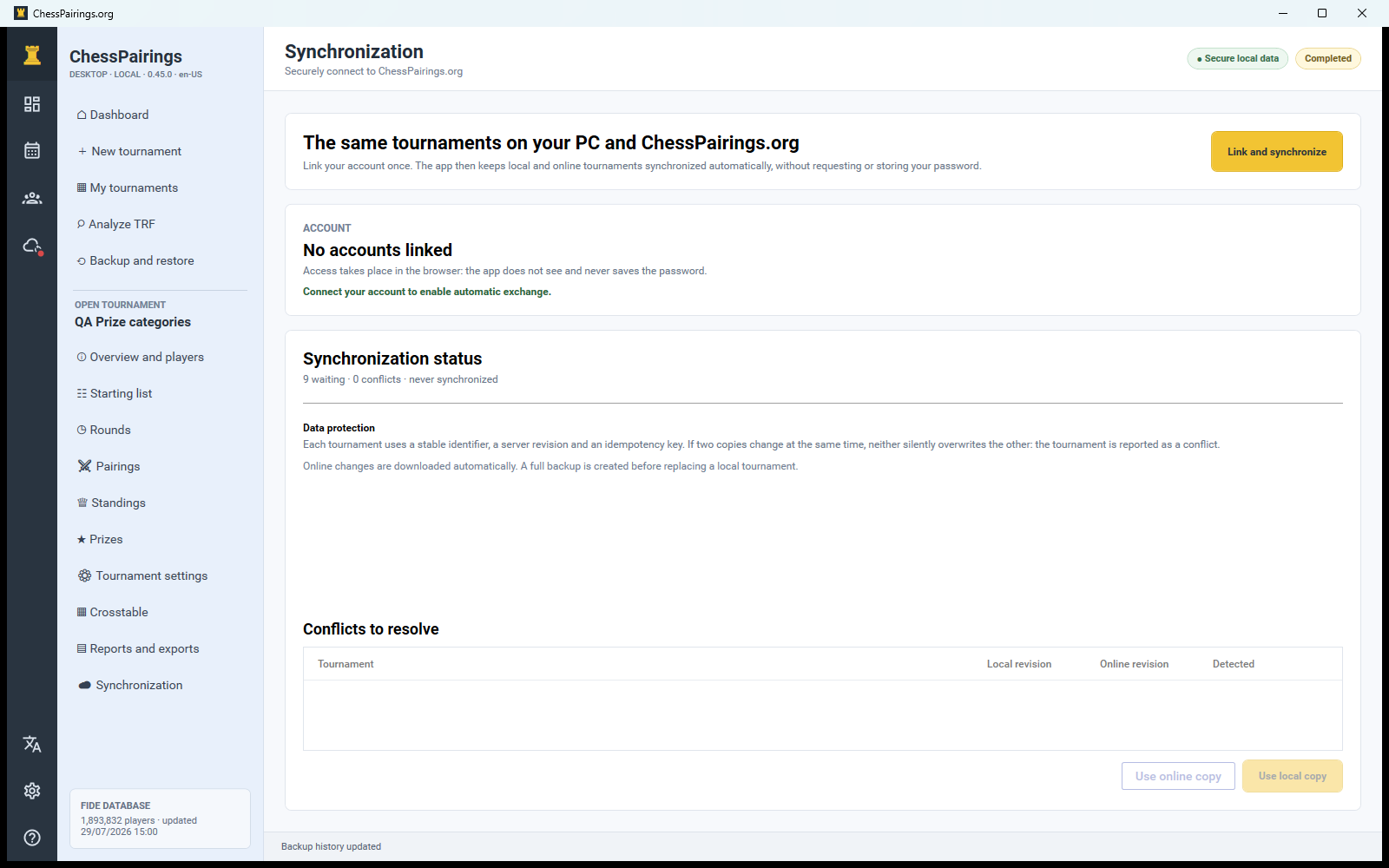
Open Synchronization and start account linking. The app displays a short device code and opens the secure ChessPairings.org authorization page. Sign in on the website, confirm the computer and return to the app. Your password is entered only on the website and is never shared with the Windows client.
Initial transfer
After authorization the app compares ongoing local and online tournaments. It can send local tournaments, receive online tournaments and show conflicts. Player names, teams, rounds and results are included in the native snapshot; the FIDE archive itself is not synchronized.
Work online and offline
Local edits are saved immediately. When a connection is available, queued changes are sent automatically or through the synchronization action. An updated result can therefore reach the online tournament and, when the tournament is public, its public results page.
Understand conflicts
A conflict means the same tournament changed independently on both sides after the last common version. Review which copy is newer and choose deliberately. Create a backup before replacing a substantial local tournament with the online copy.
Privacy
Private tournaments remain unavailable on a public URL even when synchronized. Linking a device does not make every tournament public and does not upload unrelated local databases.