


First tournament · Guided tour
Create a tournament from scratch
A practical path from the preparation of the FIDE archive to the first pairing. At the end you will have a local tournament ready to collect the results.
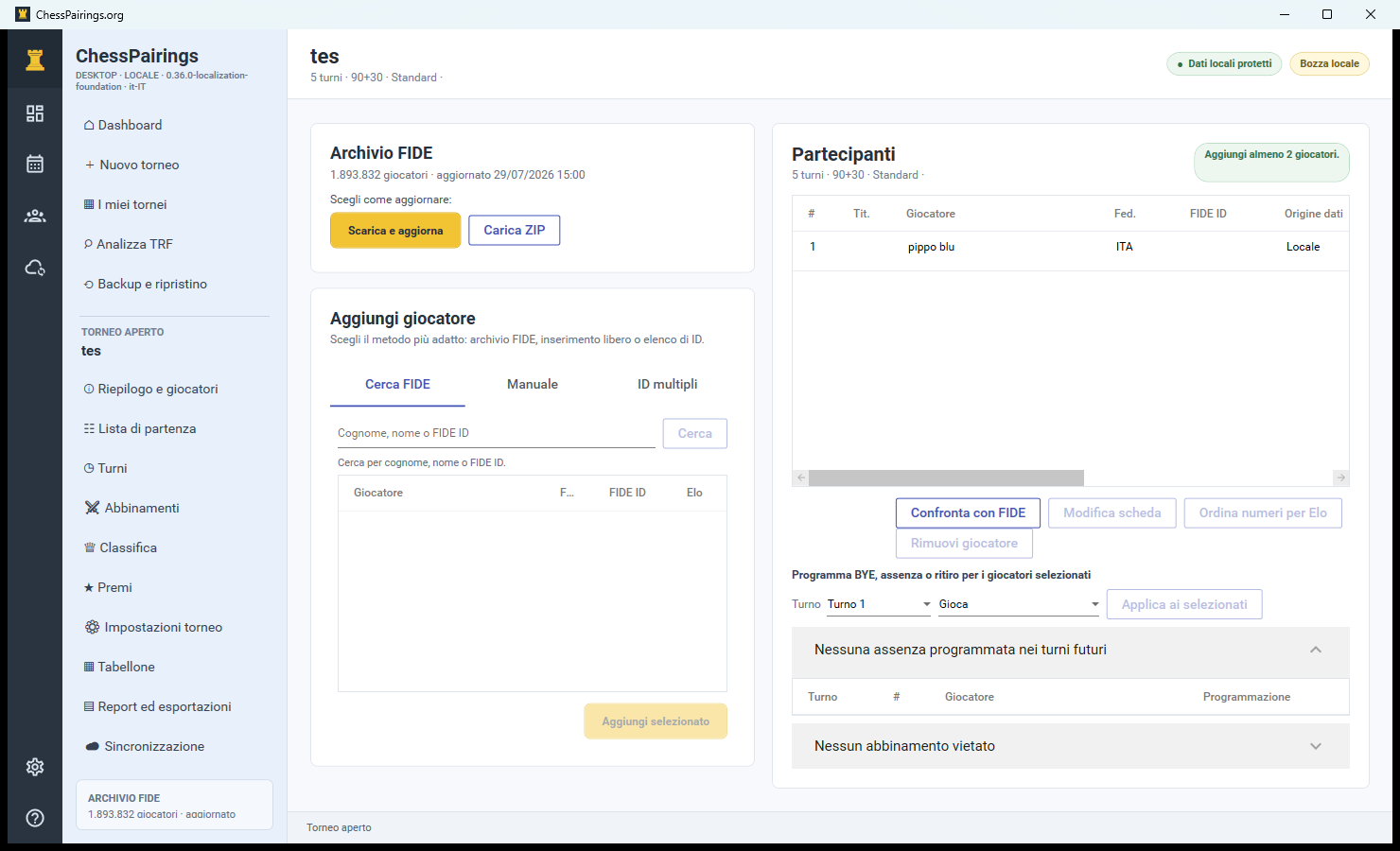
Prepare the FIDE archive
If the tournament uses players with FIDE ID, update the archive first. From the Dashboard, open a tournament or create a draft and choose one of the two methods:
The client downloads the latest official archive and imports it into the separate FIDE database.
If you have already downloaded players_list_xml.zip, select it without extracting it.
Enter information and formula
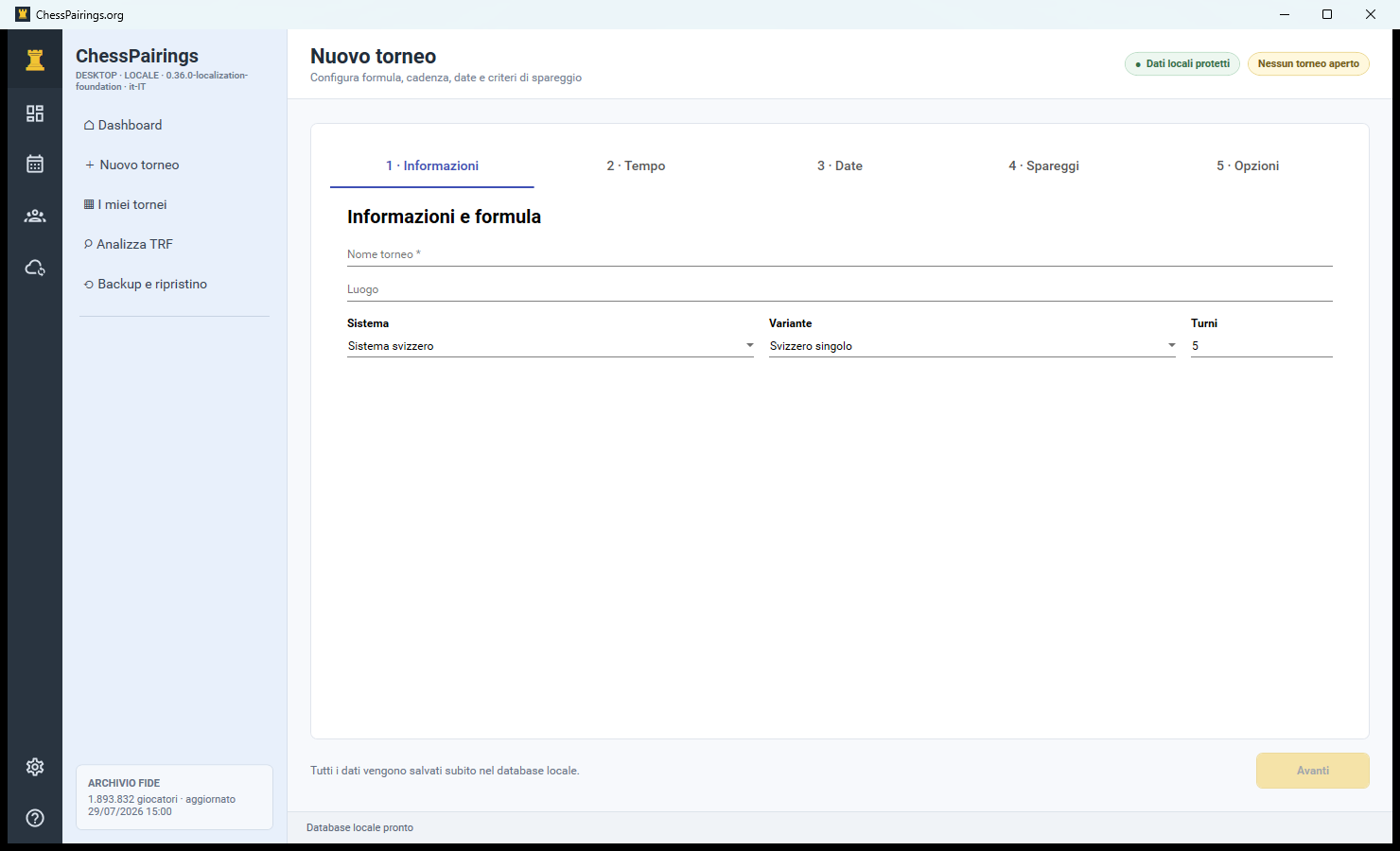
Press New tournament. Fill in the name and location, then choose the system. For the first test you can use Swiss system, Single Swiss and 5 shifts.
- The tournament name is mandatory.
- The number of shifts must be compatible with the expected number of participants.
- Round Robin creates a complete round; Swiss uses bbpPairings.
Configure the game time
Press After you and choose Standard, Rapid or Blitz. Enter base minutes and increment per move: for example 90 minutes and 30 seconds is shown as 90+30.
Set dates and calendar
Indicate the starting date and, if necessary, the ending date. Dates may be corrected as long as the tournament is a draft. For a single day event you can use the same date.
Choose the play-offs in the correct order
Use a preset for common cases or add criteria from the Gacrux catalog. The order is significant: the first criterion resolves the tie before the second.
- Buchholz and Buchholz Cut-1 for many Swiss tournaments.
- Sonneborn-Berger when required by the regulations.
- Head-to-head and number of wins as additional criteria.
Check the options and create the tournament
In the last step you can indicate referee, rating floor, initial color, late registrations and notes. Re-read the summary and press Create tournament.
Add and track participants
On the page Summary and players you can use three methods: FIDE search, manual entry and FIDE ID list. Search results show multiple homonyms: always select the correct row.
- Double-click a participant to edit their local copy.
- Plan in advance BYE, half point, zero points or withdrawal.
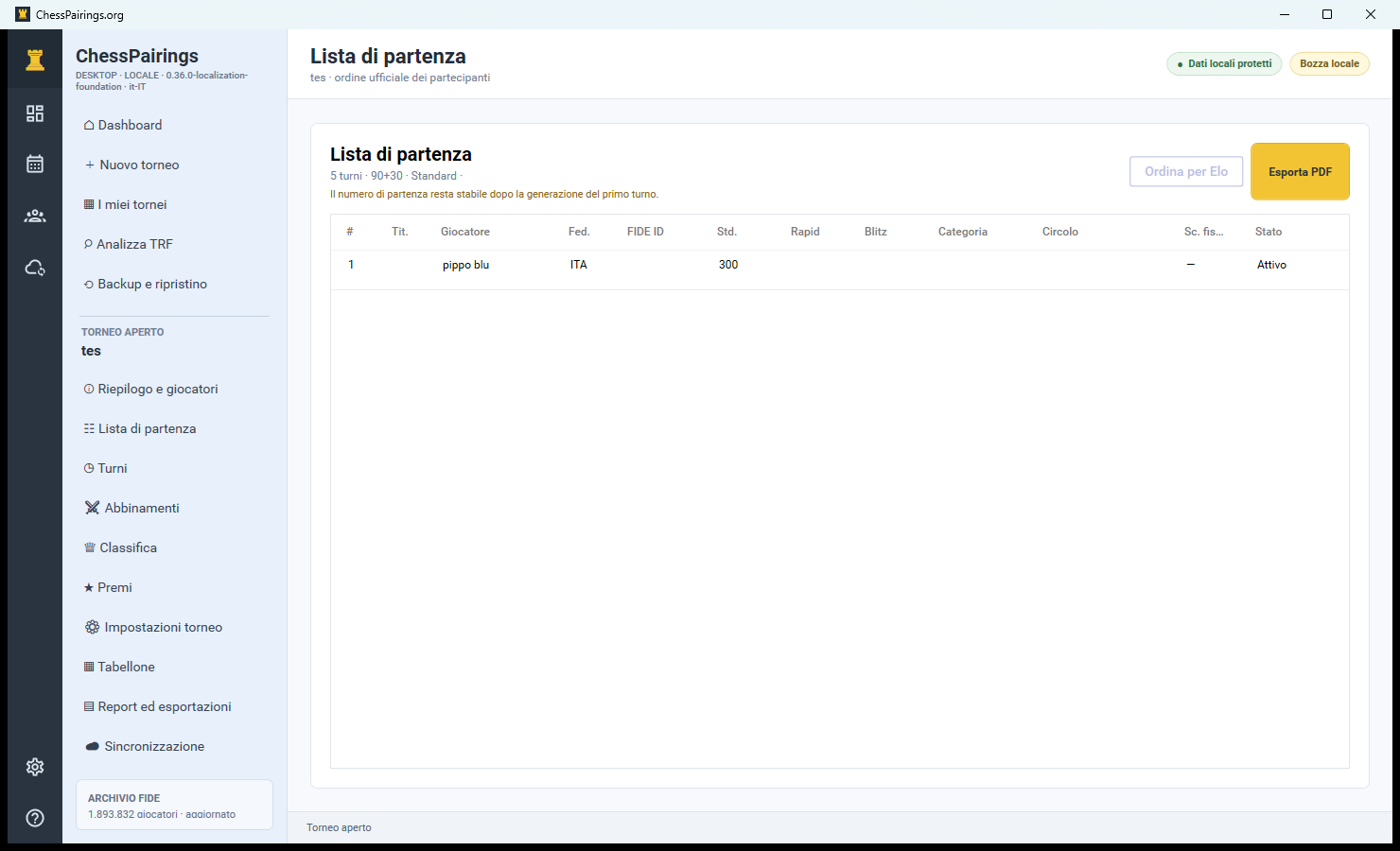
- Open Starting list and check numbers, titles, federations and ratings.
Generate first turn
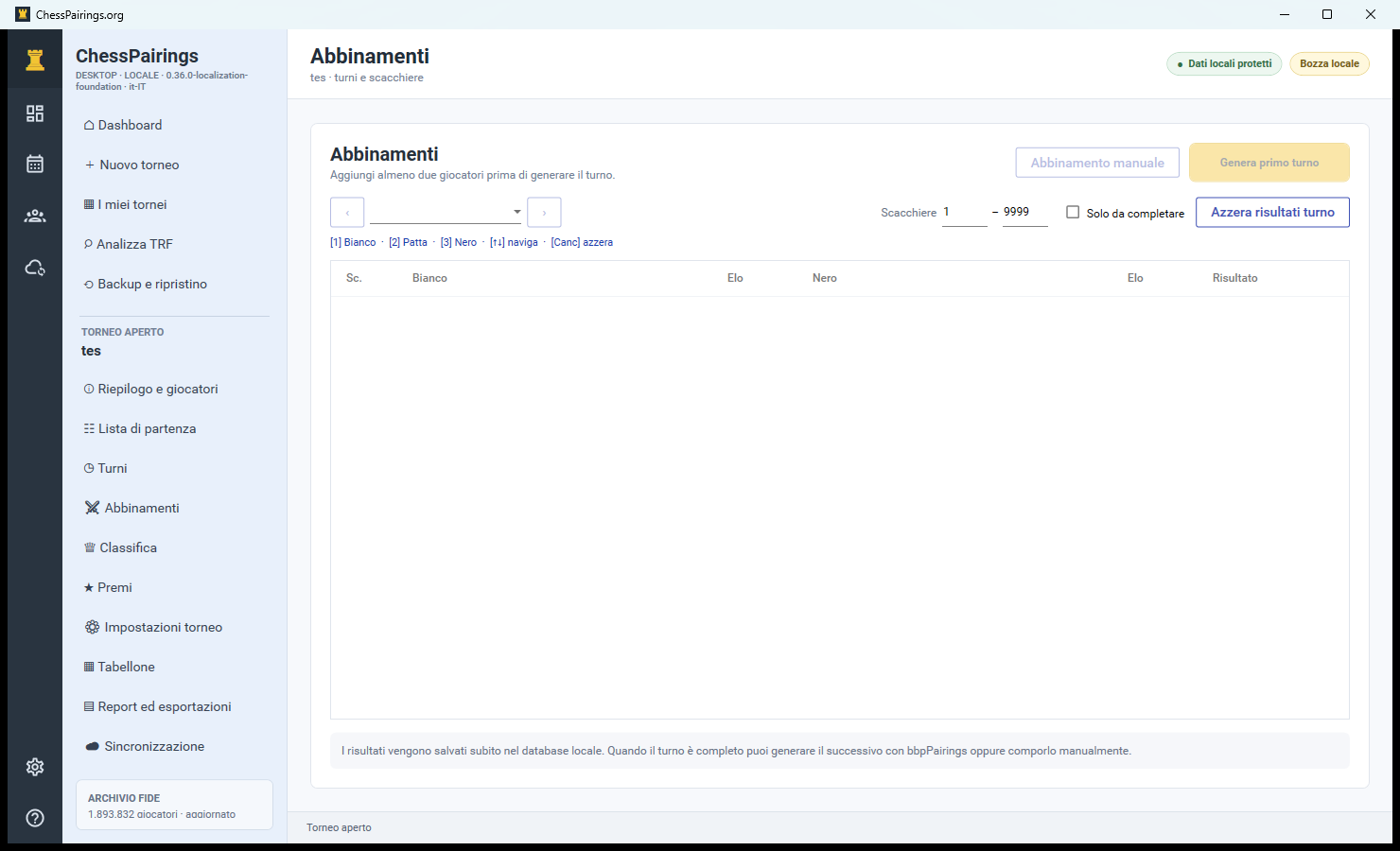
Open Pairings and prizes Generate first turn. The checklist shows available players, color preferences, BYE and engine proposal. Continue to check the boards before saving.
bbpPairings creates the shift; you can still swap colors or fix checkerboards.
Assign each player only once and leave Black empty for BYE only.
The tournament is operational
Enter the results from the menu of each board. When all games are complete you will be able to generate the next round.